In an increasingly connected world, parents often seek ways to ensure their children’s safety and stay in touch without handing over a full-fledged smartphone. Enter the smart watch for kids – a revolutionary gadget designed to offer peace of mind, foster independence, and introduce technology responsibly. This comprehensive guide will walk you through everything you need to know to select the perfect smart watch for your child, balancing essential safety features with engaging functionalities tailored for young users.
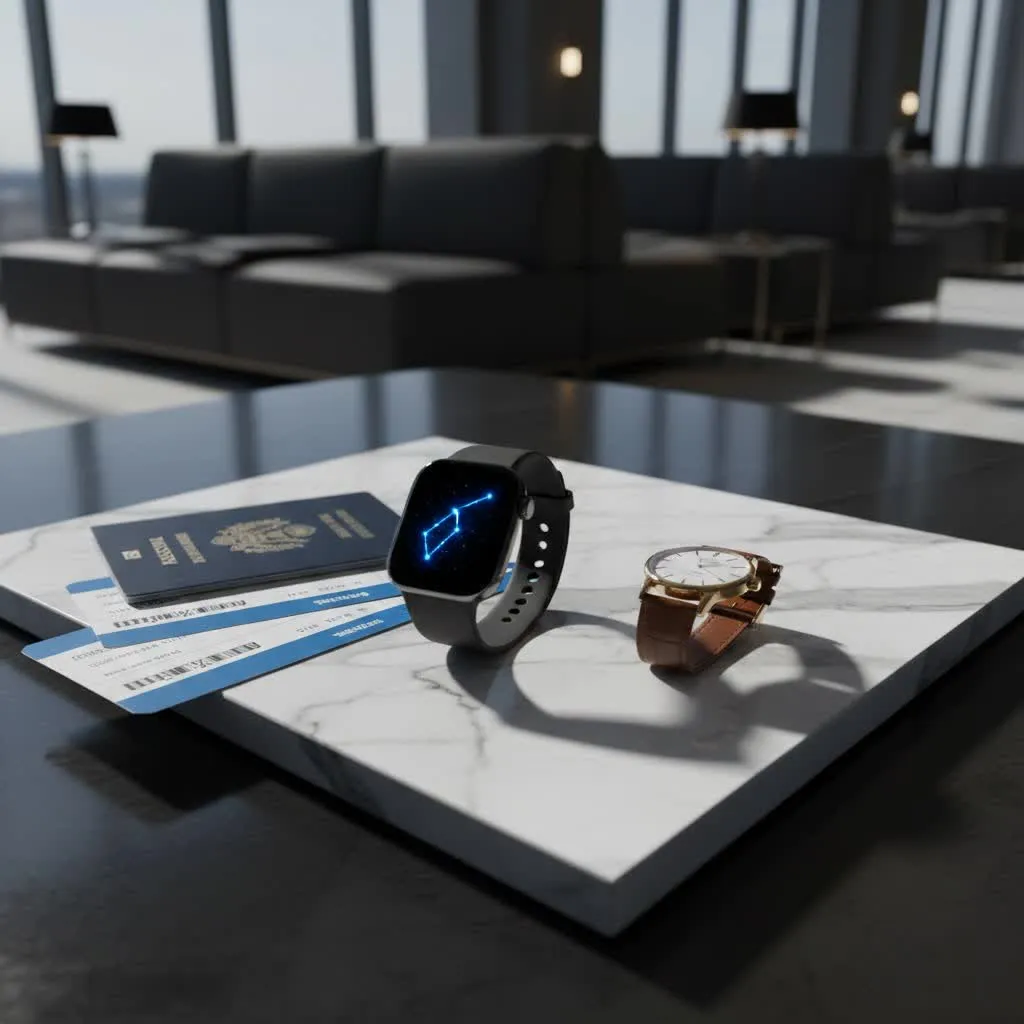
What is a Smart Watch for Kids? An Overview of the Market
A smart watch for kids is more than just a timepiece; it’s a wearable device that often combines communication, GPS tracking, and activity monitoring in a child-friendly format. Unlike adult smartwatches or smartphones, these devices are specifically engineered with a strong emphasis on safety and parental control, typically restricting internet browsing and social media access. They act as a simplified communication tool, allowing children to connect with a pre-approved list of contacts, often through two-way calling and messaging.
The market for kids’ smartwatches has rapidly expanded, evolving from basic activity trackers to sophisticated communication devices. Leading brands such as Xplora, TickTalk, Verizon Gizmo, and Gabb have emerged, focusing on features crucial for children’s well-being. These watches generally fall into categories based on their primary use: those prioritizing safety and communication for younger children (typically 5-8 years old) and those offering more advanced fitness tracking or educational games for older kids and pre-teens (9-12 years old).
Crucial Criteria for Choosing the Perfect Kids’ Smart Watch
Selecting the right smart watch involves careful consideration of several factors to ensure it meets both your child’s needs and your parental expectations for safety and functionality.
Safety Features
This is often the paramount concern for parents.
- GPS Tracking and Geofencing: Real-time location tracking allows you to know your child’s whereabouts. Geofencing lets you set “safe zones” (like home or school) and receive alerts if your child enters or leaves these predefined areas.
- SOS Button: A dedicated emergency button that, when pressed, instantly alerts pre-selected contacts, often sending their location and initiating calls to designated emergency numbers.
- Approved Contacts Only: A critical feature allowing parents to curate a list of trusted contacts with whom the child can communicate, preventing unsolicited calls or messages from strangers.
- No Internet or Social Media Access: Most kids’ smartwatches intentionally omit web browsers and social media apps to protect children from online dangers, cyberbullying, and inappropriate content.
|
Our Picks for the Best Smart Watch in 2026
As an Amazon Associate I earn from qualifying purchases.
|
||
| Num | Product | Action |
|---|---|---|
| 1 | Apple Watch Series 11 [GPS 42mm] Smartwatch with Rose Gold Aluminum Case with Light Blush Sport Band - S/M. Sleep Score, Fitness Tracker, Health Monitoring, Always-On Display, Water Resistant |
![Check Apple Watch Series 11 [GPS 42mm] Smartwatch with Rose Gold Aluminum Case with Light Blush Sport Band - S/M. Sleep Score, Fitness Tracker, Health Monitoring, Always-On Display, Water Resistant on Amazon](https://reviewgiare.com/wp-content/plugins/amazon-tables/assets/images/buy.png)
|
| 2 | Smart Watch for Men Women, 2026 New Smartwatch(Answer/Make Call) , 1.91" Fitness Watch with 120+ Sport Modes, Fitness Tracke with Pedometer/Sleep Monitor/Heart Rate/IP68, for Android/iPhone Black |
|
| 3 | Green and Red Reindeer Silicone Smart Watch Band with Ornament |
|
| 4 | Smart Watch for Men, 120 Sports Modes Smartwatch with 1.83" HD Touchsreen, IP67 Waterproof, Sleep Monitor, Bluetooth Call & Music Control Fitness Watch for Android/iPhone (Black) |
|
| 5 | Smart Watch with Alexa Built-in, 1.83" HD Touchscreen Fitness Tracker with Bluetooth Calling, Fitness Watch with Heart Rate/Sleep Monitor, 120+ Sports Modes, IP68 Waterproof Smartwatch for Android iOS |
|
| 6 | Smart Watch for Women Men Answer/Make Call,1.85" HD Screen Fitness Tracker with Step Counter,140+ Sport Modes Smartwatch with Heart Rate Sleep Monitor,IP68 Waterproof Activity Tracker for Android iOS |
|
| 7 | Smart Fitness Tracker with Step Counter - Bluetooth Calling & 100+ Exercise Modes for Health Monitoring - Perfect for Fitness Lovers and Runners |
|
| 8 | Fitbit Charge 6 Fitness Tracker with Google apps, Heart Rate on Exercise Equipment, 6-Months Premium Membership Included, GPS, Health Tools and More, Obsidian/Black, One Size (S & L Bands Included) |
|
| 9 | IOWODO Military Smart Watch for Men -100-Day Long Battery Life,Fitness Tracker with LED Flashlight/Compass,Heart Rate Monitor,120+ Sports Modes,IP68 Waterproof,Bluetooth Call Smartwatch for iOSAndroid |
|
| 10 | Apple Watch Series 11 [GPS 46mm] Smartwatch with Jet Black Aluminum Case with Black Sport Band - M/L. Sleep Score, Fitness Tracker, Health Monitoring, Always-On Display, Water Resistant |
|
Communication Capabilities
A smart watch for kids serves as a vital link between parent and child.
- Two-Way Calling: Enables your child to make and receive calls from approved contacts.
- Messaging: Often supports voice messages, pre-set texts, or even emojis, allowing for quick and easy communication without the complexity of a smartphone keyboard. Some advanced models may offer video calling.
Durability and Design
Kids are active, and their gadgets need to withstand rough play.
- Water Resistance: Look for an IP68 rating, meaning the watch can handle splashes, rain, and even brief submersion, making it suitable for active kids.
- Robust Materials: Devices with durable casings and scratch-resistant screens (like Gorilla Glass) are better suited for daily wear and tear.
- Comfort and Size: The watch should be lightweight, comfortable, and appropriately sized for a child’s wrist, typically with soft, adjustable straps.
- Age-Appropriate Aesthetics: Designs range from playful and colorful for younger children to sleeker, more mature styles for pre-teens.
Battery Life
Consistent connectivity relies on a dependable battery. A good kids’ smart watch should offer at least 24 hours of battery life on a single charge to ensure it lasts through a full day of school and activities. Some models boast several days of battery life, reducing the frequency of charging.
Parental Controls and Software
The accompanying parent app is key to managing the watch.
- Remote Management: Parents should be able to control contacts, set safety zones, and manage watch settings remotely from their smartphone app.
- School Mode/Focus Mode: This feature allows parents to disable games, calls, and notifications during school hours or other designated times, turning the watch into a simple time-telling device while keeping SOS functionality active.
- Activity Tracking: Many models include a pedometer to encourage physical activity, tracking steps and sometimes offering fun challenges.
Age Appropriateness
Consider your child’s maturity and specific needs. Younger children (5-8) benefit most from basic models focused on GPS tracking and simple two-way communication. Older children (9-12) might appreciate more advanced features like fitness tracking, a camera, or slightly more sophisticated messaging options, serving as a stepping stone before a smartphone.
Connectivity and Compatibility
Most kids’ smartwatches that offer calling and GPS tracking require a cellular plan, often involving a SIM card and a monthly subscription fee. Ensure the watch is compatible with your desired cellular network and that the companion app works seamlessly with your smartphone (iOS or Android).
Comparing Kids’ Smart Watch Price Segments
Kids’ smartwatches are available across a range of price points, each offering a different balance of features and quality.
- Budget-Friendly (Under $80): These watches typically offer basic time-telling, limited activity tracking, and simple communication. While they provide a starting point, they might lack advanced safety features like precise GPS or robust durability. Examples might include entry-level fitness bands with child-friendly interfaces.
- Mid-Range ($80 – $150): This segment provides a solid balance of essential features. You’ll often find reliable GPS tracking, two-way calling to approved contacts, an SOS button, and decent durability. Many popular kids’ smartwatch brands fall into this category, offering good value for money and comprehensive safety features without excessive frills.
- Premium (Over $150): These models boast advanced features like video calling, enhanced GPS accuracy, superior build quality, longer battery life, and more engaging interfaces or integrated rewards systems for activity. Some parents with older children might also consider an Apple Watch SE with Family Setup, which offers extensive features and integration into the Apple ecosystem, though it comes at a higher price and might be more complex.
Detailed Comparison Table of Notable Kids’ Smart Watch Models
| Feature / Model | Xplora XGO3/X6Play | Verizon Gizmo Watch 3 | TickTalk 5 | Gabb Watch 3e |
|---|---|---|---|---|
| Price Segment | Mid-range to Premium | Mid-range | Premium | Mid-range |
| Primary Focus | Safety, Activity, Communication | Communication, Safety | Communication, Safety, Fun | Safety, Communication |
| GPS Tracking | Yes, with safe zones | Yes, accurate | Yes, highly accurate, history | Yes, with safe zones |
| Calling/Messaging | 2-way calls, messages, emojis | 2-way calls, messages, video calls | 2-way calls, messages, video calls, audio messages | 2-way calls, speech-to-text, text presets, emojis |
| SOS Button | Yes | Yes | Yes | Yes |
| Internet Access | No | No | No | No |
| Social Media | No | No | No | No |
| Camera | Yes (2MP) | Yes (for video calls/selfies) | Yes (8MP) | No |
| Water Resistance | IP68 | Yes | IP67 | IP68 |
| Battery Life | 1-3 days (XGO3), ~24h (X6Play) | Up to 2 days | 1-2 days | 1-2 days |
| Parental Controls | Extensive app control, school mode | App control, approved contacts, school mode | Comprehensive app control, school mode | App control, focus modes, monitored texts |
| Unique Features | Xplora Coins for steps | Simple, reliable, no internet | Video calling, custom faces | Durable, wireless charging |
(Note: Prices and features can vary by region and model updates. This table provides a general comparison.)
Where to Purchase a Kids’ Smart Watch Reliably?
When investing in a smart watch for your child, choosing a reputable vendor is essential to ensure authenticity, warranty, and customer support.
- Major Electronics Retailers: Stores like Best Buy or other large electronics chains often carry a selection of kids’ smartwatches from various brands. They typically offer product guarantees and return policies.
- Official Brand Websites: Purchasing directly from the manufacturer’s website (e.g., Xplora, TickTalk, Gabb, Cosmo) ensures you receive a genuine product, access to the latest models, and direct support.
- Wireless Carriers: Companies like Verizon often offer their own branded kids’ smartwatches (like the Gizmo Watch) or carry popular models, bundling them with cellular plans.
- Online Marketplaces: Platforms like Amazon can be convenient, but always ensure you’re buying from a reputable seller or the official brand storefront to avoid counterfeits and ensure valid warranties.
Always prioritize vendors with clear warranty, exchange, and return policies. Reading customer reviews specific to the seller, not just the product, can also provide valuable insight.
Tips for Using and Maintaining Your Child’s Smart Watch
To maximize the lifespan and effectiveness of your child’s smart watch, a few simple practices can make a big difference.
- Charge Regularly: Encourage your child to charge their watch nightly, especially if it’s used for critical communication or tracking.
- Keep it Clean: Regularly wipe down the watch face and strap with a soft, damp cloth to remove dirt and grime. For water-resistant watches, ensure ports are dry after exposure to liquids.
- Protect from Impact: While many kids’ smartwatches are durable, teach your child to be mindful to avoid excessive banging or dropping, which can still damage internal components or scratch the screen.
- Update Software: Keep the watch’s firmware and the companion parent app updated to ensure optimal performance, access to new features, and the latest security patches.
- Set Boundaries: Establish clear rules with your child about when and how to use their watch, especially regarding “school mode” or screen time limits. This helps them develop healthy tech habits from a young age.
- Monitor App Settings: Regularly review the parental control settings in the companion app, adjusting approved contacts or safe zones as your child grows and their needs change.
Conclusion
Choosing the right smart watch for your child is about finding the perfect balance between fostering their independence and ensuring their safety in today’s dynamic world. These innovative devices offer a controlled introduction to technology, providing crucial communication links, reliable GPS tracking, and essential emergency features, all without the overwhelming distractions and risks associated with smartphones. By carefully considering factors like safety features, durability, communication capabilities, and parental controls, you can confidently select a device that provides both you and your child with invaluable peace of mind. Empower your child with a smart watch, and watch them explore the world with an added layer of security and connection.
What features do you believe are most important in a smart watch designed for kids?
Frequently Asked Questions
At what age is a smart watch for kids appropriate?
Most experts recommend kids’ smartwatches for children aged 5 to 12. For younger kids, focus on basic communication and safety features like GPS and an SOS button, while older children might benefit from more advanced activity tracking and messaging.
Do kids’ smartwatches require a monthly subscription?
Many kids’ smartwatches that offer calling and real-time GPS tracking require a separate cellular plan, which typically involves a monthly subscription fee. This fee covers the cost of data and connectivity for the watch’s communication and location services.
Are kids’ smartwatches safe from internet dangers?
Most smartwatches designed specifically for children are built with security in mind, intentionally omitting internet browsers and social media access. This design choice helps protect kids from online predators, inappropriate content, and cyberbullying.
Can I track my child’s location with their smart watch?
Yes, GPS tracking is one of the most vital features of a kids’ smart watch. Parents can typically view their child’s real-time location through a dedicated app on their smartphone, and many watches also offer geofencing alerts for predefined safe zones.
What is “School Mode” on a kids’ smart watch?
School Mode, or Focus Mode, is a parental control feature that allows parents to disable non-essential functions (like games, calls, and notifications) during specific times, such as school hours. The watch then functions primarily as a clock, though SOS features usually remain active.
How durable are kids’ smartwatches?
Kids’ smartwatches are generally designed to be more robust than adult watches, often featuring sturdy casings, scratch-resistant screens, and water resistance (commonly IP67 or IP68 ratings). This ensures they can withstand the rigors of active play.
Can kids make calls to anyone from their smart watch?
No, most kids’ smartwatches feature strong parental controls that allow parents to approve a list of contacts. Children can only make and receive calls or messages from individuals on this pre-approved list, ensuring they communicate only with trusted individuals.
